2 min read
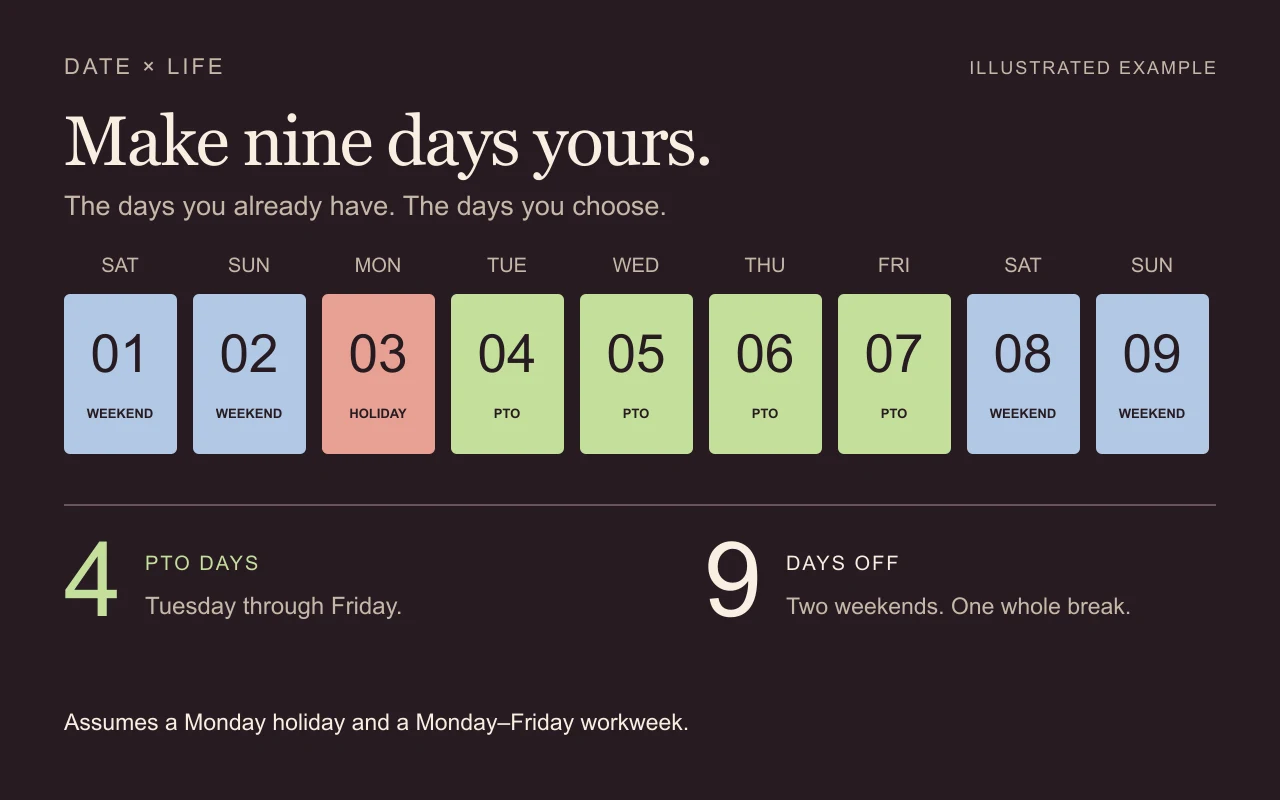
Turn a few PTO days into a proper break
Find the bridge between weekends and holidays, then check exactly which workdays to request.
Make room for time off. See the conflicts. Keep a plan you understand.
Find your next stepChoose a task. Leave with a useful next step.
Try a shorter phrase, choose another topic, or clear the filters. Support can help with a specific issue.
From one good break to a year you can actually use.
Find the bridge between weekends and holidays, then check exactly which workdays to request.
Use one annual allowance, keep booked leave fixed, and see exactly what remains to request.
Set workdays, company closures, booked leave, and blackouts without mixing up their meaning.
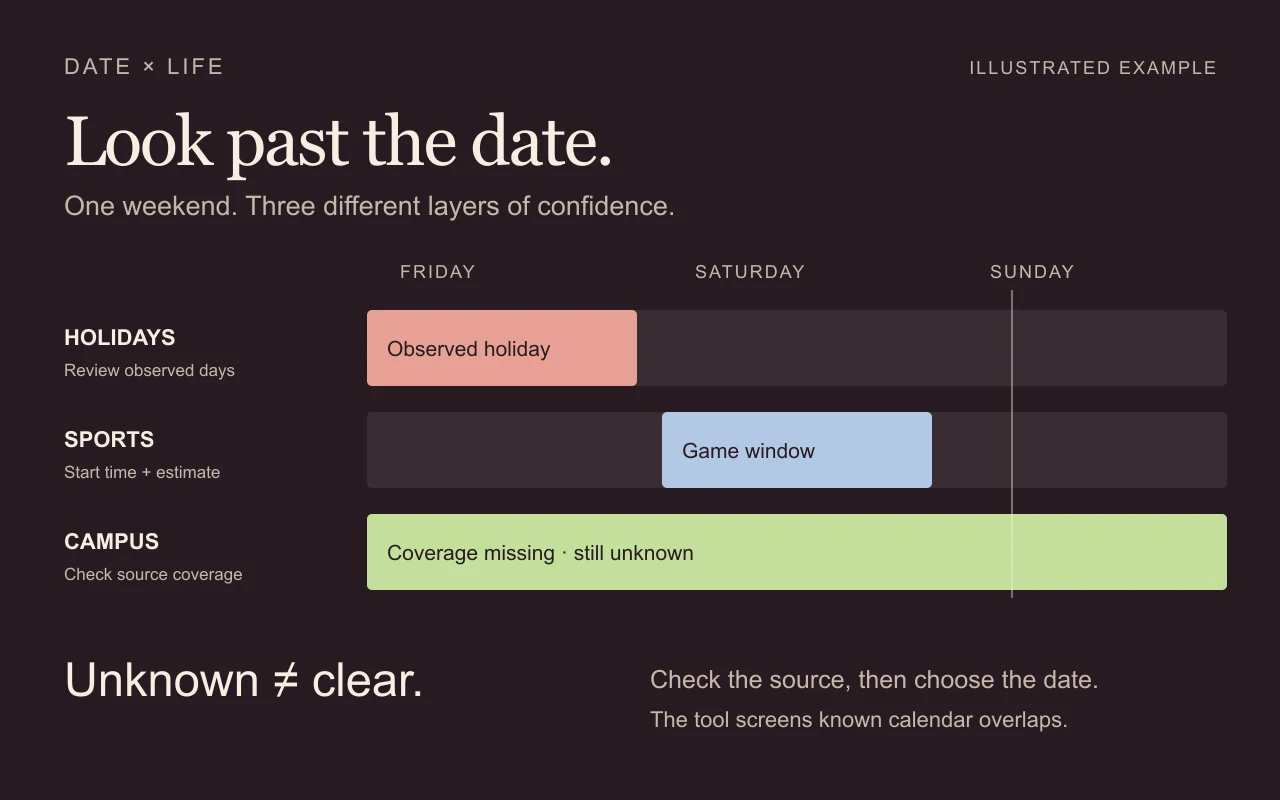
Check the calendar around the date, not just the date itself.
Separate official game times from estimated viewing windows and check the coverage behind a clear result.
Spot official events that may make a pilot college town busier, without treating a load score as a price forecast.
Check a wedding, reunion, or gathering against known holidays, sports, campus events, and your own dates.
Paydays, deadlines, and the small details that change the answer.
Keep scheduled pay dates separate from your employer’s treatment of weekends and holidays.
Use the real pay cycle and anchor date to count deposits by month.
Know when you need elapsed dates, calendar days, or working days—and check the endpoints.
Understand what is saved, what updates, and what to check next.
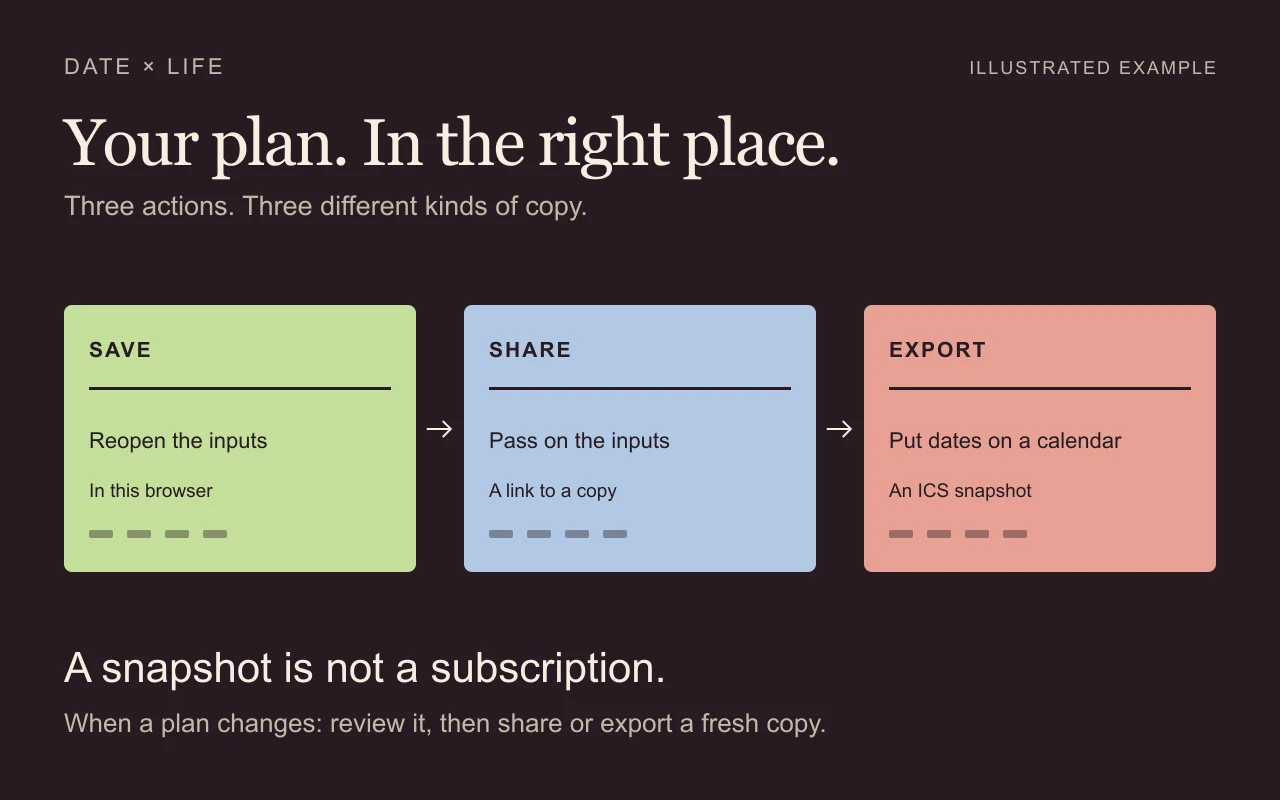
Choose between a plan in this browser, a share link, and an explicit cloud copy.
Understand an ICS download, check what it contains, and avoid mistaking a snapshot for a live subscription.
Read coverage, freshness, and uncertainty before you commit to a date.
Every guide connects the steps to what DateXLife actually does. Check the source, the coverage, and the assumptions before committing to a date.